
AWS Solutions Architect Training with GenAI & Automation from Attari Classes helps IT infrastructure professionals learn practical AWS cloud computing with AI-assisted automation. Through online and classroom instructor-led live sessions, students learn VPC, EC2, S3, IAM, Auto Scaling, RDS, Lambda, CloudFormation, monitoring and real-world cloud deployment scenarios.
The course also includes live practicals using AWS CLI, AI-assisted scripting, some server commands and automation workflows. With hands-on practical training and real-world projects, students gain practical cloud administration and automation skills required in modern cloud environments while preparing for the AWS Certified Solutions Architect Associate (SAA-C03) exam

Instructor led live Training
Hands-on Practical Training
Trainer Support on WhatsApp
Recorded lectures on LMS
Access to Learning Portal
Certificate from Attari classes
Job Updates via WhatsApp Community
Support Desk for Student
Looking for the latest SAA-C03 detailed syllabus? You can view the full curriculum below or download the complete AWS Solution Architect syllabus PDF for offline reference.
Book a FREE Demo
Share your details. A counsellor will call you back.


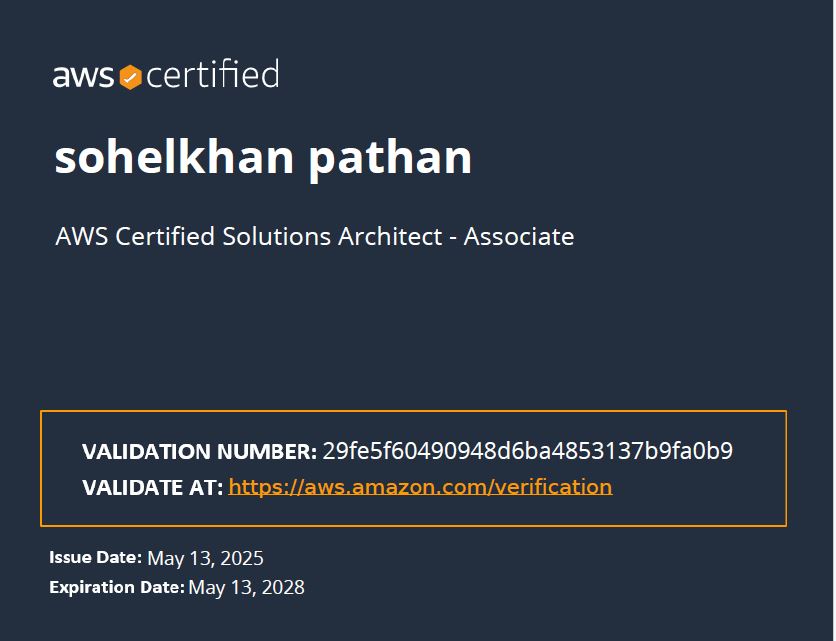
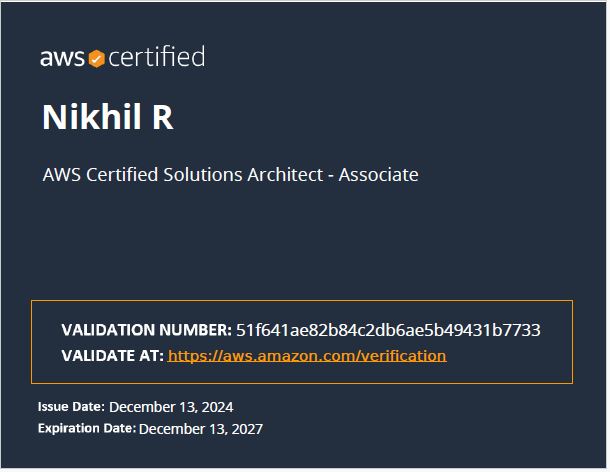

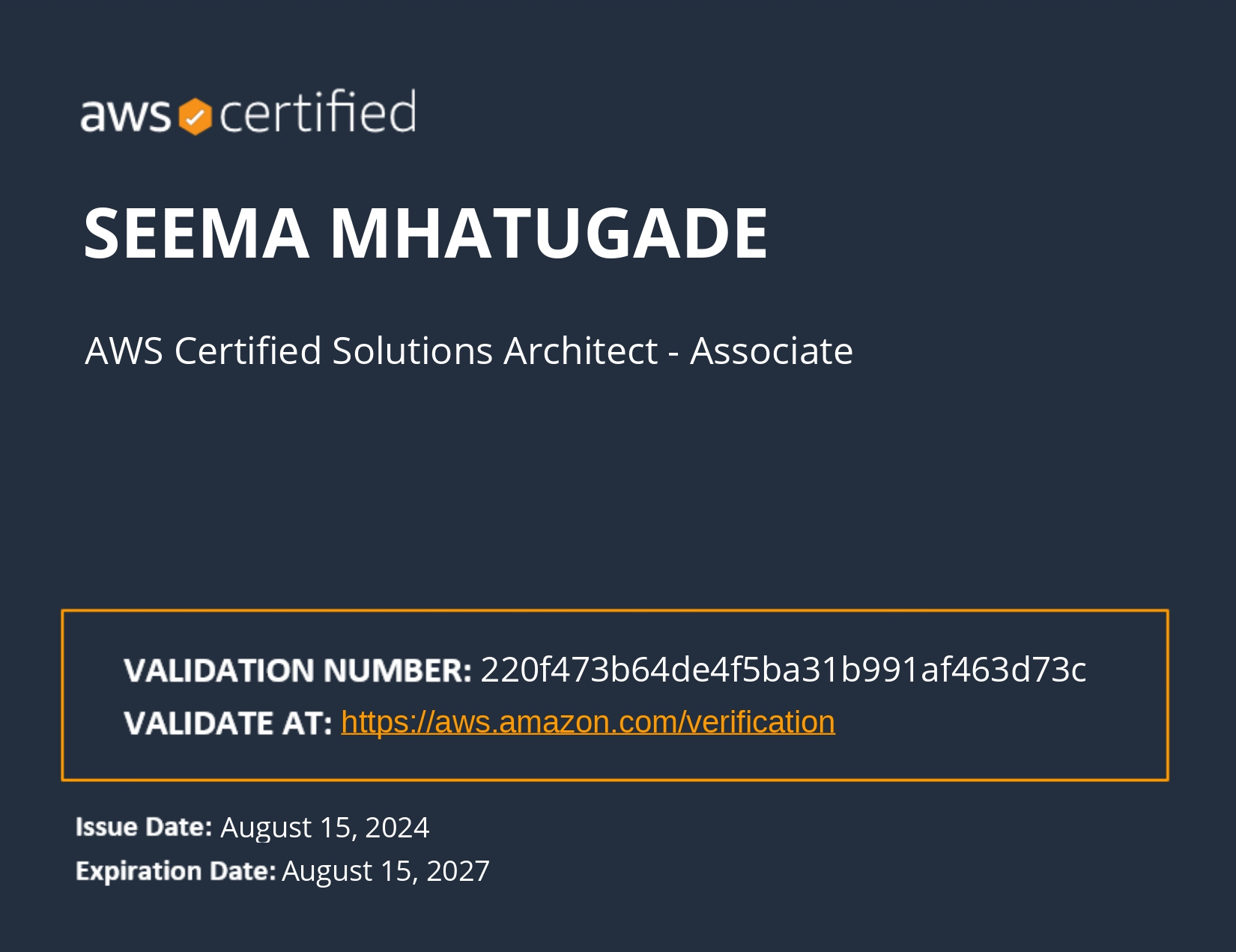
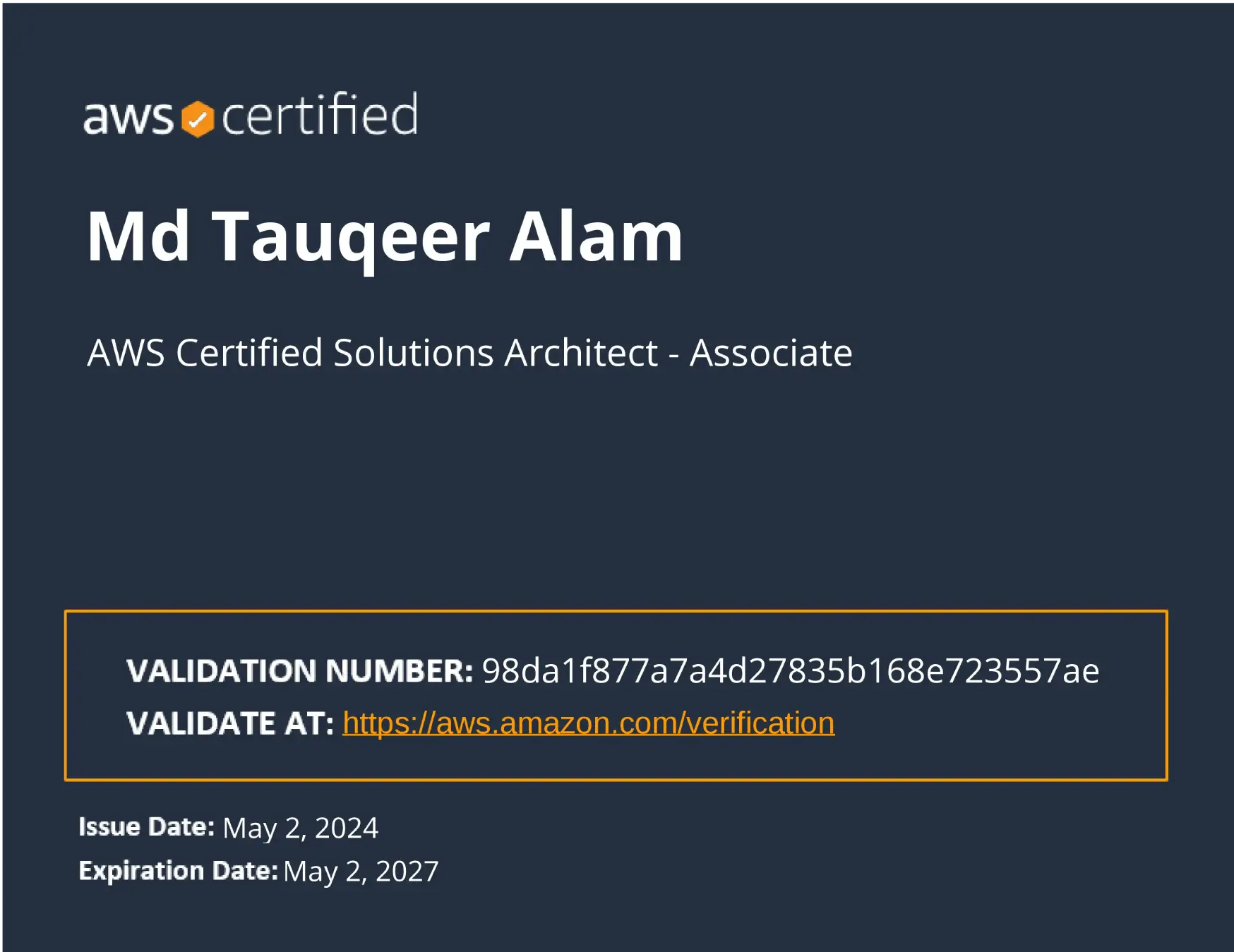
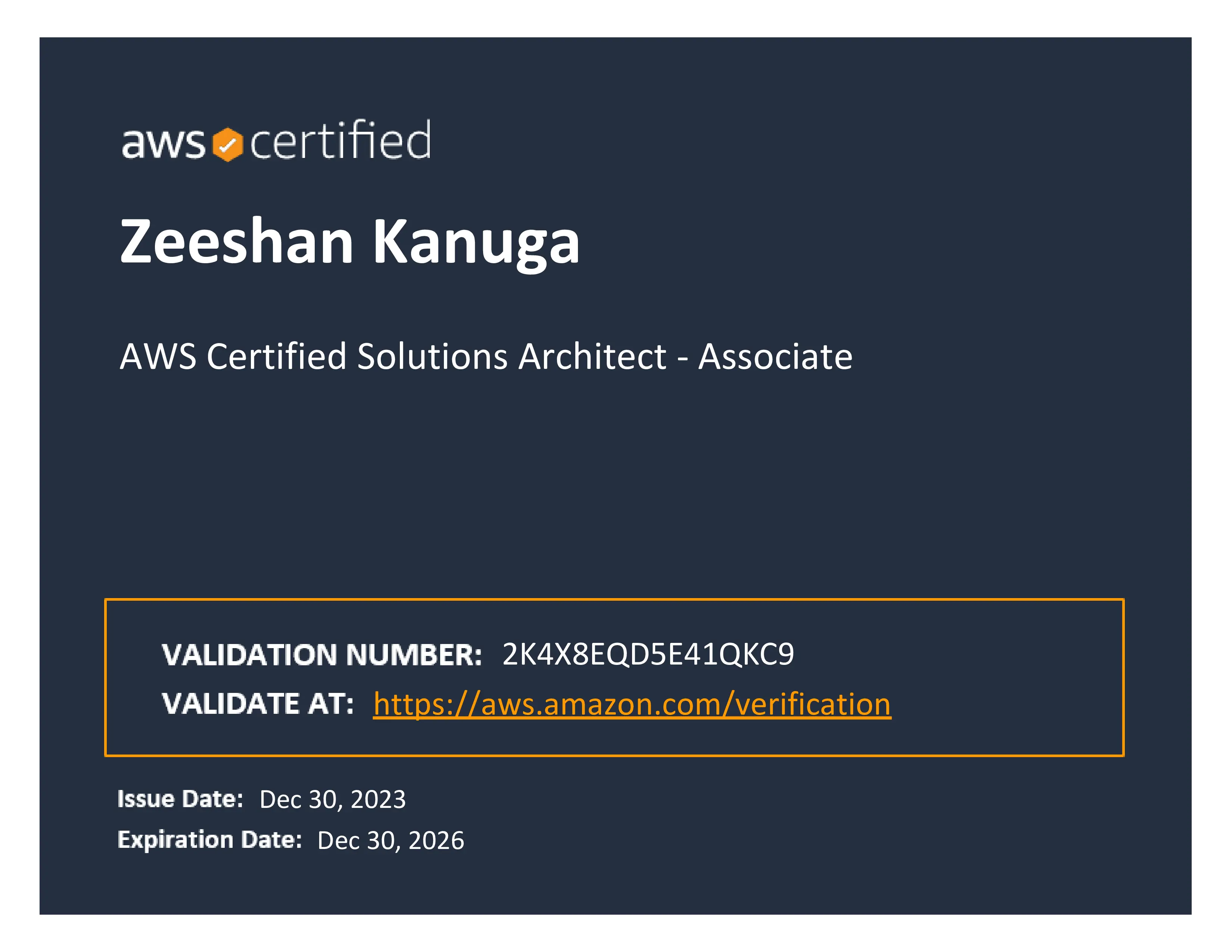
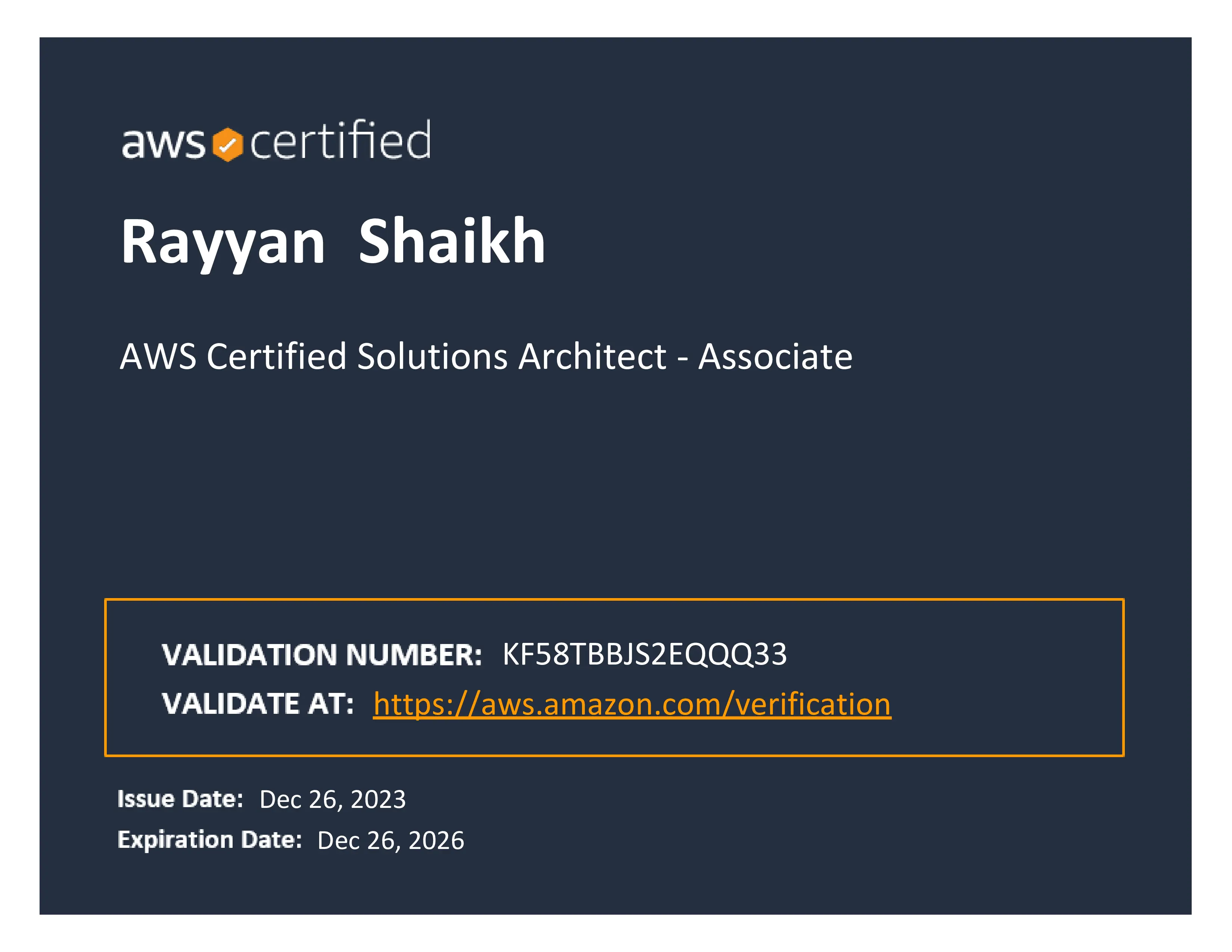
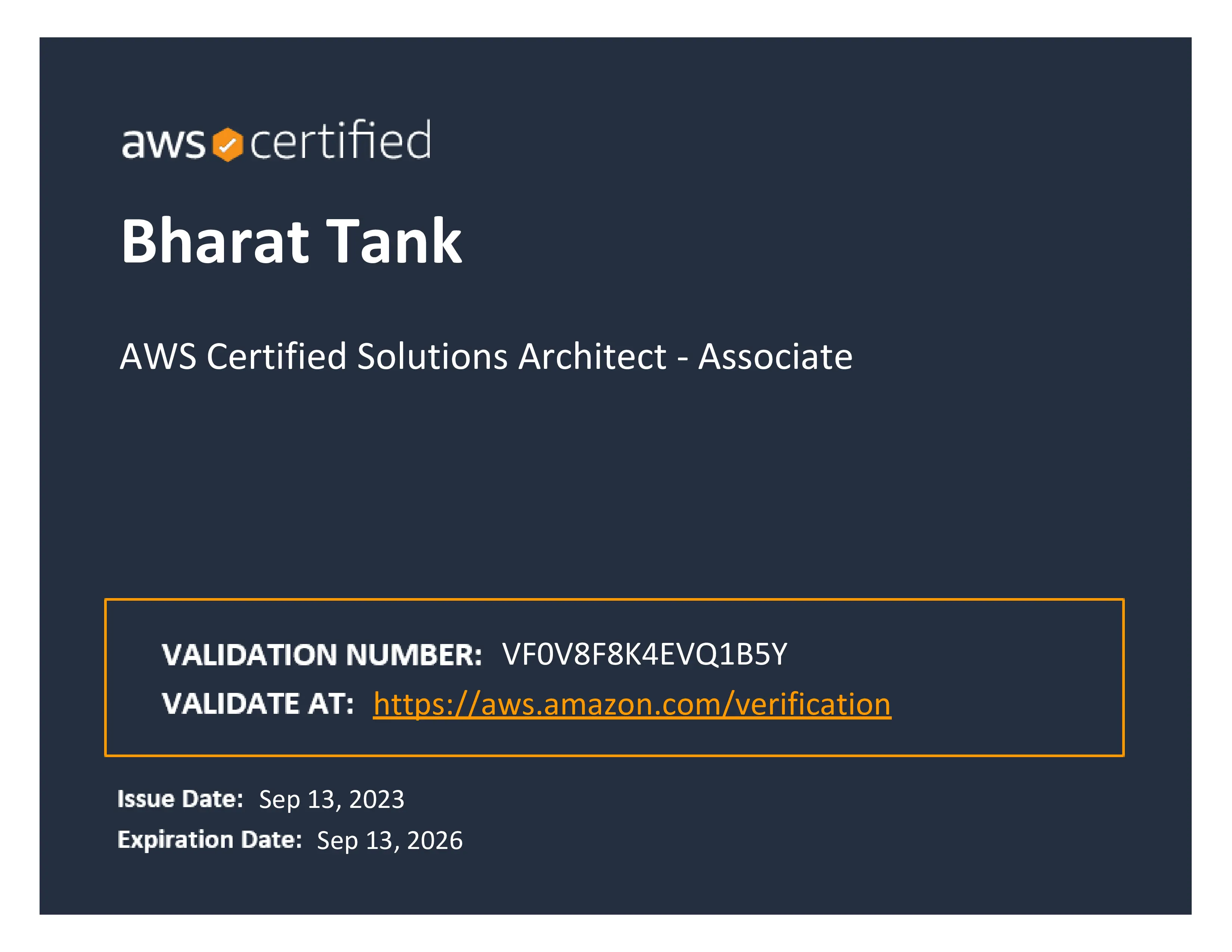
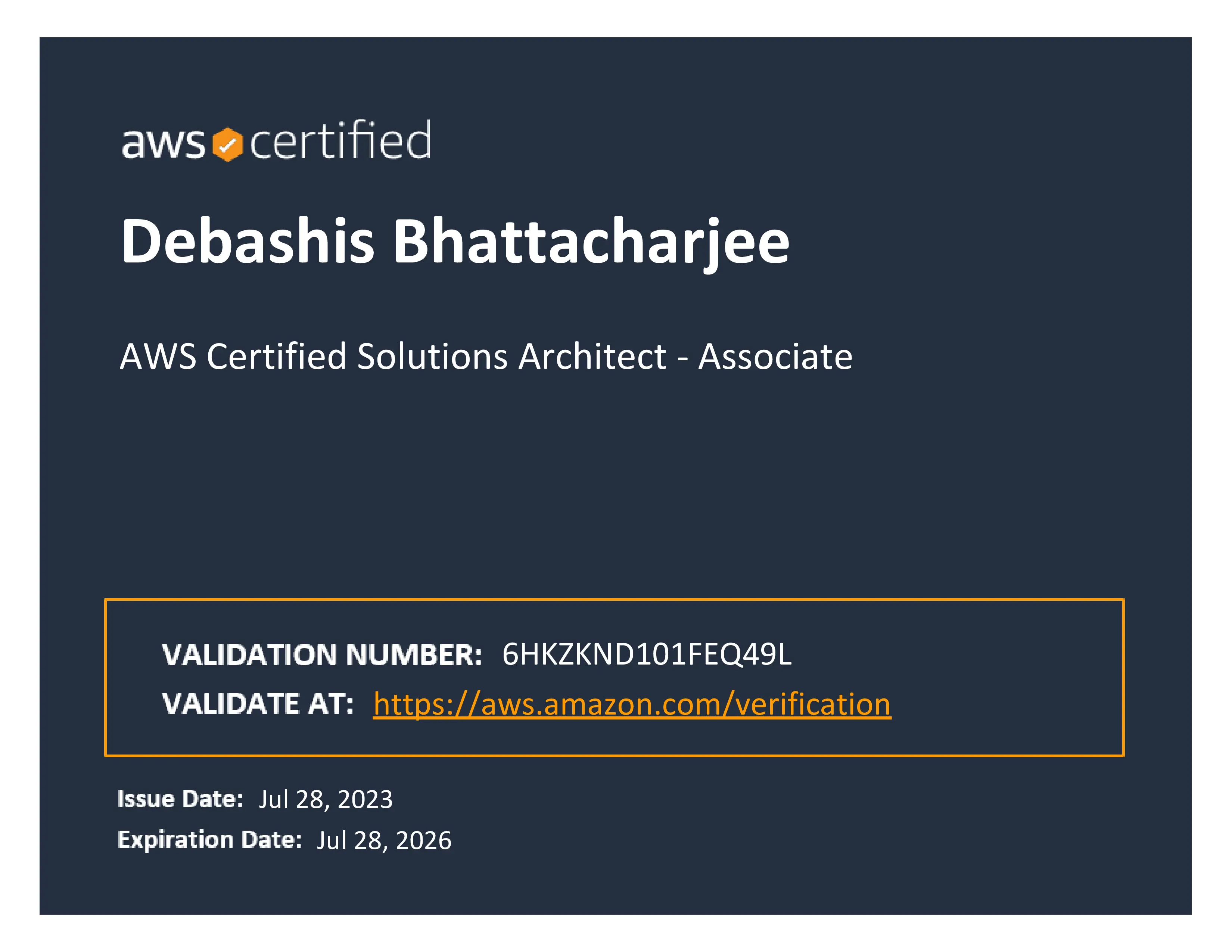
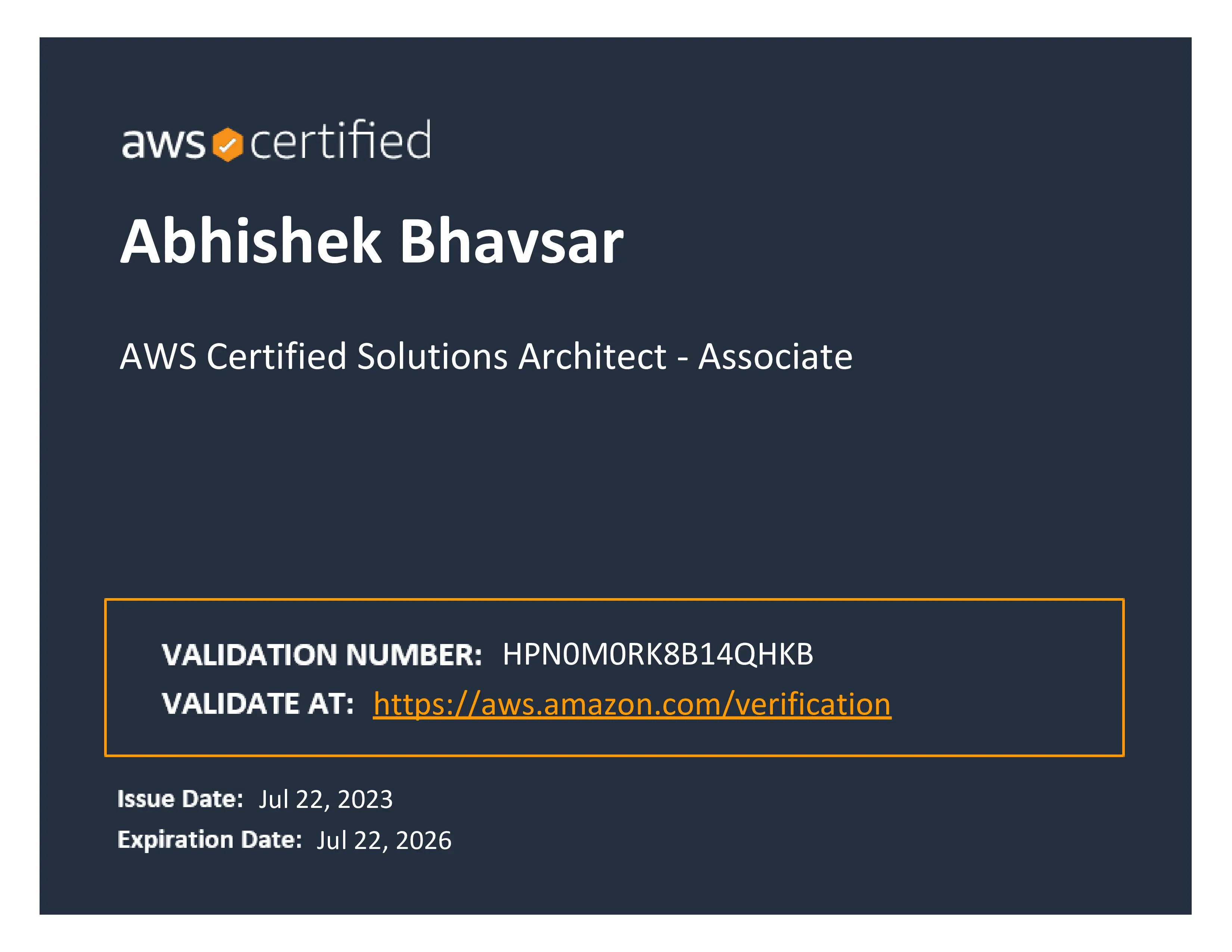
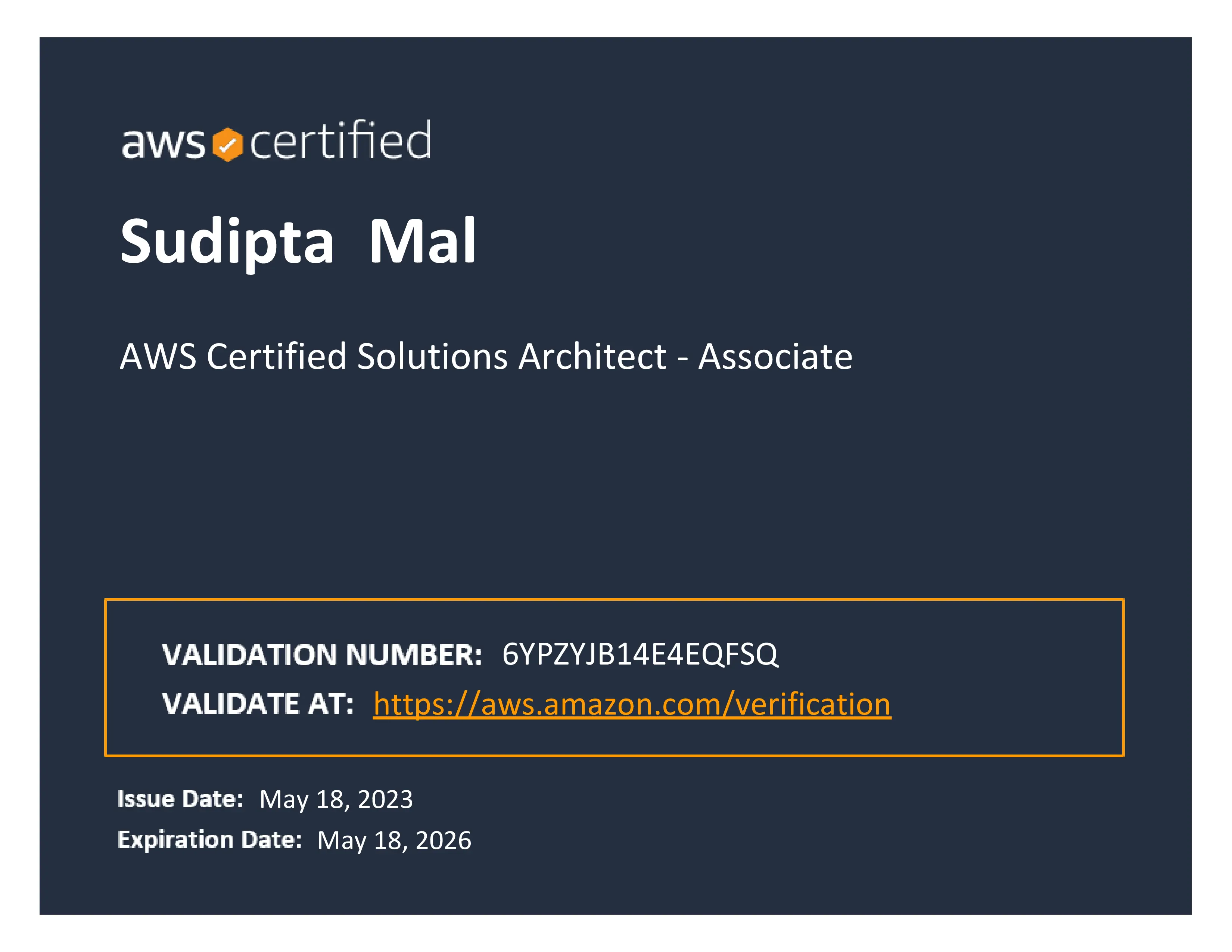


I hv done AWS solution architect course from Attari Classes. Great training experience. Trainer Maqsood is having best knowledge AWS giving perfect example that can help to understood topic properly. Syllabus and Training pattern is also best. The new thing they hv provide LMS(Learning Management system) In which they hv uploaded all lectures recording is very helpful to do practice and for revision of any topic at any time. Thanks Maqsood Sir and Attari Classes for great training for my career growth.

If you want to be more accurate and professional in your IT Journey, this is the best place to come. I have attended Online Training of AWS from Attari Classes and I am more clear about the concepts in the cloud. The best thing is even the training is online, the Trainer Maqsood Sir, is very pro-efficient to reach out at each and every participant in the training session to get the all things done PRACTICALLY by every student. If any student fail to do the practical or misunderstood he use to take remote and make him understand the concept. Apart from the session if any concept is not clear then their is Learning Mangement System (LMS) where we can find all recorded lectures. Trainer is available even after the training session on WhatsAap.

Recently i have attended AWS course from Attari Classes, 1st time i have experienced online training and it is very good way of training on during this tough time and specially Thanks to Maqsood Sir for such a wonderful way of teaching he explained each and every topic with example for understanding and also they have Provide LMS feature for revision in the LMS Recorded Videos is there of Trainer, it is a very good to clear your doubt. I am Satisfied from Attari classes and Strongly recommend to Join Attari Classes.

This is my first time to appeared for online classroom training but it feel I am in classroom of Attari Classes. It was a good experience for learning AWS at Attari Classes. Specially Maqsood Sir is amazing & knowledgeable trainer who give personal attention to every students to clear their doubts. They will teach you from basic to advanced levels with very understandable examples. Also LMS is simply wonderful concept of Attari Classes if anybody missed any important lecture will learn from LMS.

Thank you from the bottom of my heart to Attari classes & team. I had attended “ONLINE AWS TRAINING” from Maqsood Sir & “ONLINE AZURE TRAINING” from Zameer Sir of Attari classes & my experience of both training was awesome. Both the trainers teaches syllabus very dedicatedly, they ensure each & everyone understand topic. They are masters in topics. I appreciate the greatest quality of both trainer which is 'patience' & 'calmness' which I never seen in any trainers during my 20 yrs. of IT profession. ' 'God bless you guys” for doing such fantastic job.

I have attended AWS Solution Architect course Online, maqsood sir's unique style of teaching made the session enjoyable. Maqsood sir clears all your doubts until you understand the concept by giving real life exampls. LMS Learnig portal is very useful to revise the concepts, i have recommended Attari classes to others. Thank you Maqsood sir for wonderful session

Maqsood sir, is best trainer and his speciality is providing training in Aws cloud computing and other professional trainings. His teaching skill set is very very professional. His way of teaching is interactive, Sporting and command over the subject is outstanding. Solves doubt and difficulty in macro level. Best part of his training is balanced between theory and practical based in real world scenario. So every one gets benefitted and aware about production scenarios. I ever saw such a professional, interactive virtual classroom training center in my 15years professional career. Beauty about training is "ATTARI classes" also provide LMS(learning management system) facility with course , so students can refer any topics at any given time . I would like to thank Maqsood sir, for making me a part of the training. I would recommend others also who want to choose cloud computing as professional career. My Best wishes to ATTARI Classes.

I have joine Attari classes for the second time. First time it was classroom based training for VMware and now online course for AWS. I would say the quality of this classes is one of the best in terms of sharing the practical approach and explaining the theory. This concept is very less. If a person wants to learn VMware and AWS along with Practicals, then I would recommend him or her to join Attari Classes and bring a turning point in his career. Each and every concept will be thought at Attari Classes. Thank You Maqsood Sir.

This was the second time i have joined Attari classes for AWS online training, first time it was VMware Professional classes which was in the classroom face to face with awesome trainer Mr Maqsood Sir...the way he thought us is very unique and very interactive trainer ever I had seen. He clear every concept with best example which students can easily understand and we can learn and understand technology in simpler function ... Thank you sir for your great contribution as a trainer, as a mentor...it's really help me to update my knowledge and IT skills. And also thanks to all Attari class Management to give us access to LMS so that we can repeat recorded lecture any time. Thank you ones agin to Maqsood Sir for their efforts .

I have done AWS cloud course from Attari classes , where Maqsood sir have a awsome teaching skills which will really help s us to improve the IT skills and clear the every concept. And Upar level management (classes Staf) is also helpful. Please join Attari class for any IT course to improve your skills.
Get In Touch to Avail
20% OFFLearn AWS Cloud Computing from Industry Expert Trainer


We provide two modes of training
1 . Instructor led live Online/Classroom training where you would be performing live practical along with Trainer, its an interactive session you can ask questions and resolve rqueries during the lectures
2 . Self paced training where you can learn using Learning Managment Sytem (LMS), in LMS you will get get access to live Recorded lecture and Trainers notes, however if you wish you can upgarde to Instructor led training in fututre
Yes you can switch from self-paced training to live instructor-led training by simply paying the difference in fees
If our batch timing are not suitable or you want to learn fast at your own pace, you can learn using Learning Managment Sytem (LMS), in LMS you will get get access to live Recorded lecture and Trainers notes, however
If you go for Instructor led training , trainer provide support on Whatsapp, You will have direct access to Trainer Whatsapp number , For any queries you can ping trainer on Whatsapp
Kindly contact support team +91-9987088551 to book seat for DEMO lecture
Yes, upon completion of the course, you will get a course certificate from Atari Classes
It will be an Interactive session, you would be performing live practical’s along with the Trainer We will guide you how to create FREE tier account in AWS cloud
No worries, along with the course you get free Access to Learning Managment Sytem (LMS), where you get topic wise live recorded lecture and trainers notes You can learn using LMS and be ready before the next lecture, for any queries you can ping trainer on WhatsApp Also you can attend the missed session of AWS course, in any other live batch
For full AWS training video lecture you have to enrolled yourself on https://Ims.attariclasses.in
Call our Support desk on +91 9987088551 & our Techical Counsellor will guide you on your career path
Yes we would provide you guidance and support for registering and passing the AWS Solution Architect-Associate exam
The Duration of AWS classes is approx 40 hrs.
Our training prepares you to pass AWS Solutions Architect certification exams SAA-C02, we provide you with practice test so that you get idea on exam question pattern and easily pass the AWS
Attari Classes is one of the best learning platforms, we make you Job ready. Since there is a big demand for IT professionals, as opening arises lots of recruitment firms and our ex-students contact us, we help our students who are looking for job to connect to prospective employers. We also help our students prepare their resumes and provide assistance for interview preparation, if you go through the course diligently you will be in a very good position to crack the interviews yourself and find a well-paid job, matching your profile
For Amazon AWS certification cost you can contact us or fil our enquiry form. You can make payment using Debit Card / Credit, Card /Netbanking/ UPI
You will be working on exciting projects that will test your skills, learning capabilities, and practical knowledge, making you completely industry-ready.
At Attari classes we provide training to those who are interested in learning cloud computing or web service course so no doubt we offer AWS certification to beginners.
Check AWS batch timings here.
You can find AWS material here.
Attari Classes offers AWS training in some of the top countries and cities like Mumbai, Pune, Delhi, New York, Virginia, Dubai, Qatar, Oman and more.
With the help of AWS course training you can prepare yourself for AWS Solution Architect exam and get the job in the market.
The AWS career path ensures success with an increased requirement for cloud architects in both startups and established organizations. The Certification also demonstrates your expertise in handling the responsibilities of a cloud architect.
Free Career Counselling
We are happy to help you
Upgrade your Skills with live trainer guidance, hands-on labs, and support whenever you need help.
Find by Location
Looking for the latest SAA-C03 detailed syllabus? You can view the full curriculum below or Download the complete AWS Solution Architect Syllabus PDF for offline reference

For Career Assistance :  +91
7738375431
+91
7738375431
Drop a Query