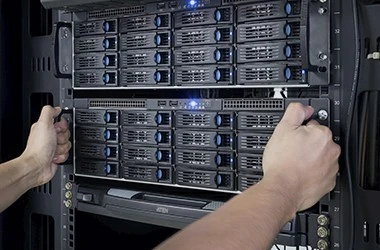
MCSE Windows Server Certification Training in Chennai

Microsoft Technology is widely used in many companies around the world. Hiring managers and recruiters are always looking for Microsoft certified system engineers who can work on Microsoft Servers. With Attari Classes live instructor-led sessions, you will be able to master various aspects of Microsoft Servers and Implement, Manage, Create, Deploy, and Troubleshoot them. You will learn about Active Directory, DNS, NTFS Permission, Group Policy, Site Subnets, Replication, Child Domain, Forest, Trusts, DFS, DHCP, WDS, IIS, Failover Cluster, Migration, and more. You will gain hands-on experience designing highly scalable, highly available, fault-tolerant systems. You will learn from top-rated mentors to become an MCSE. Enroll in this MCSE / MCSA course in Chennai today and advance your career.

4.9 (345) ratings 8,000+ Students Trained

Check curriculum

MCSE Training Key Features

Instructor led live Training

Hands-on Practical Training

Trainer Support on WhatsApp

Recorded lectures on LMS

Access to Learning Portal

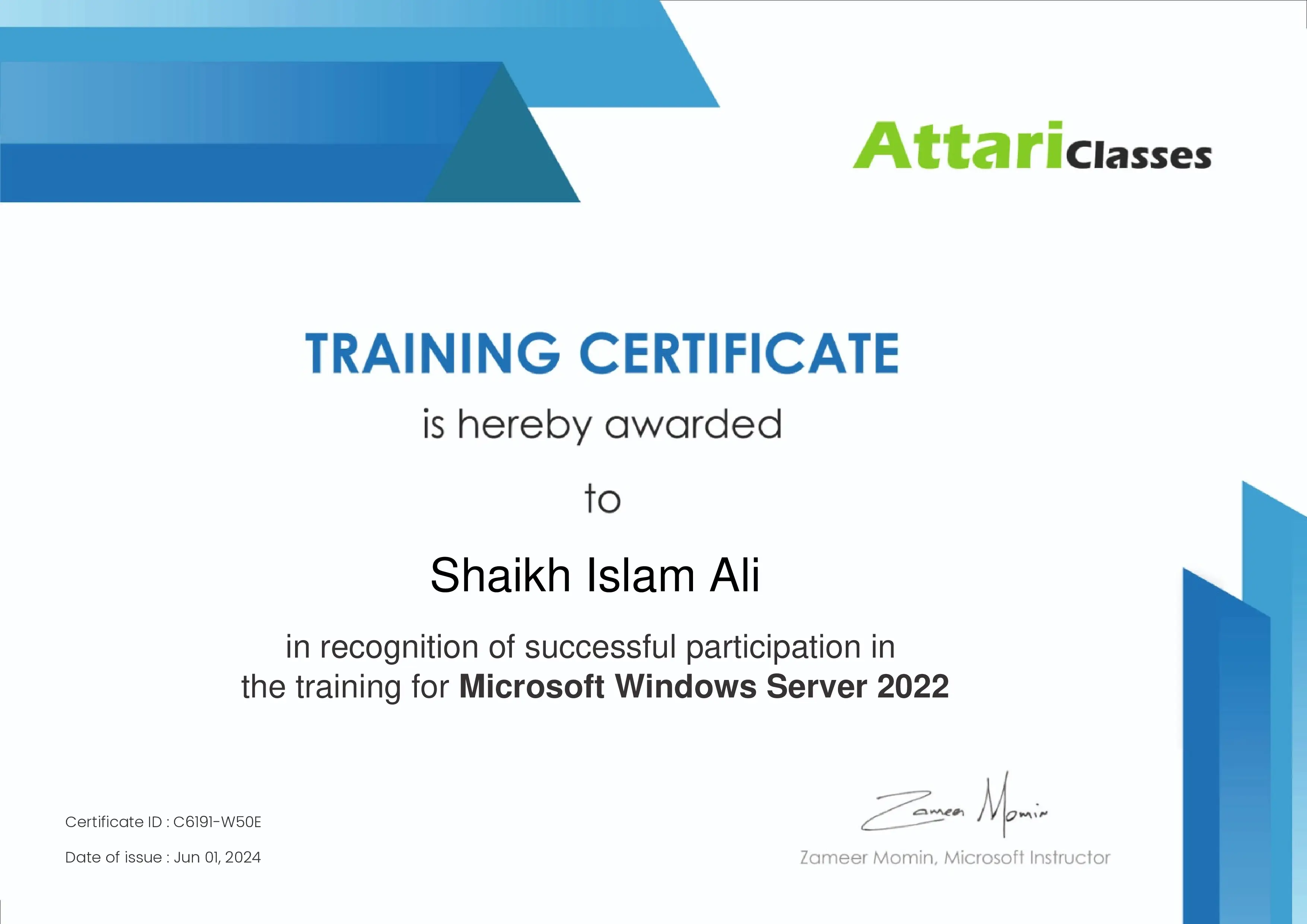
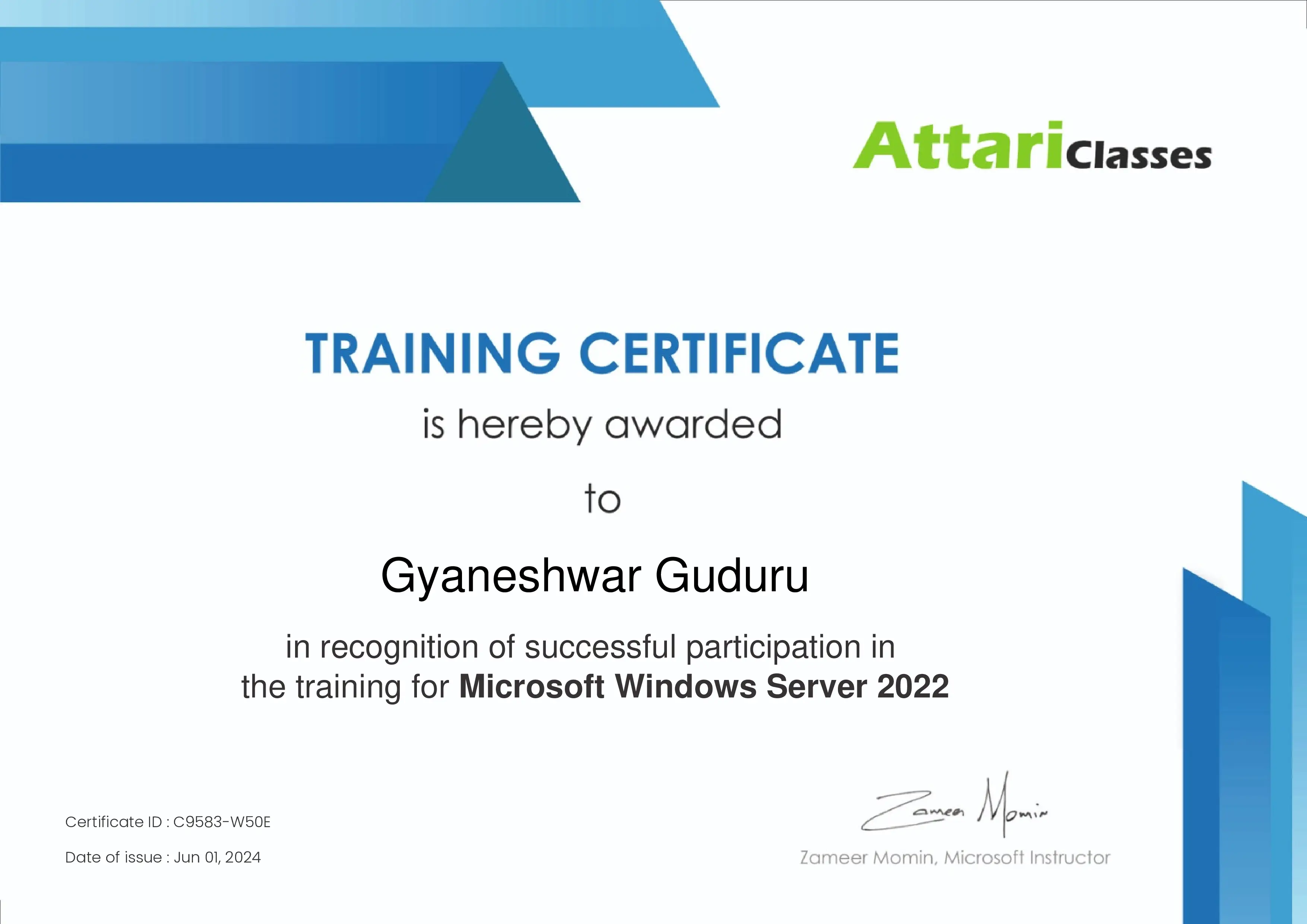
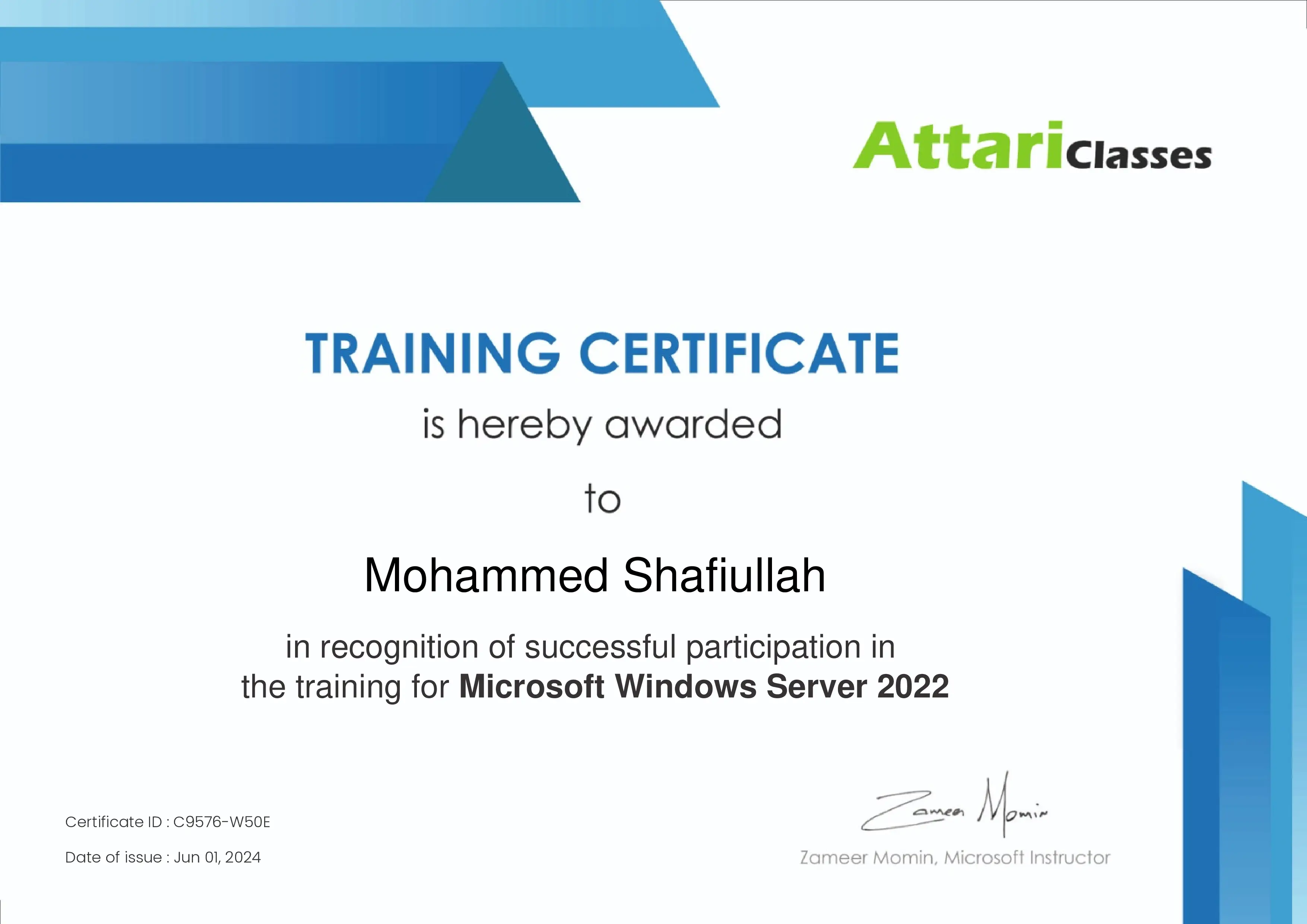
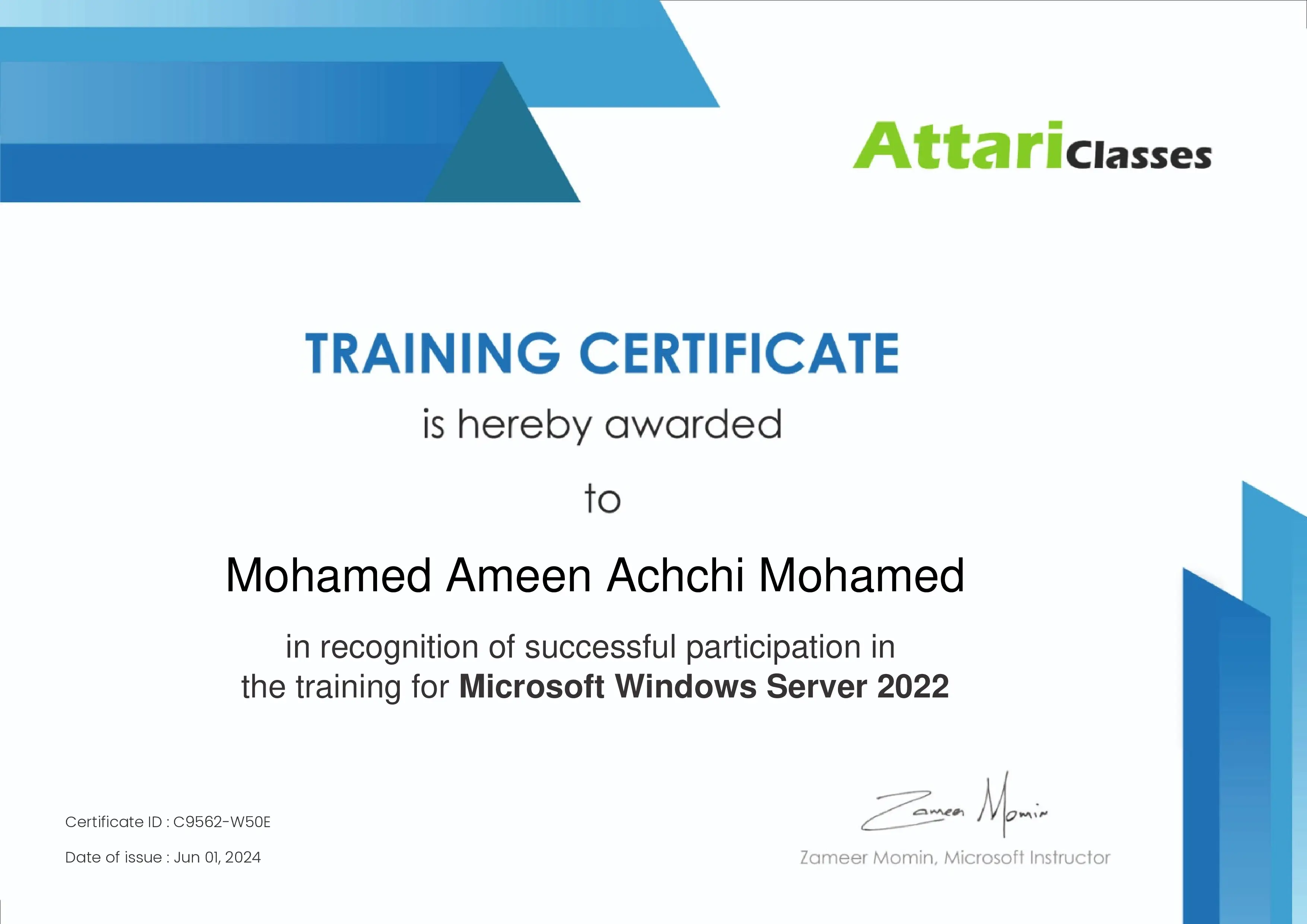
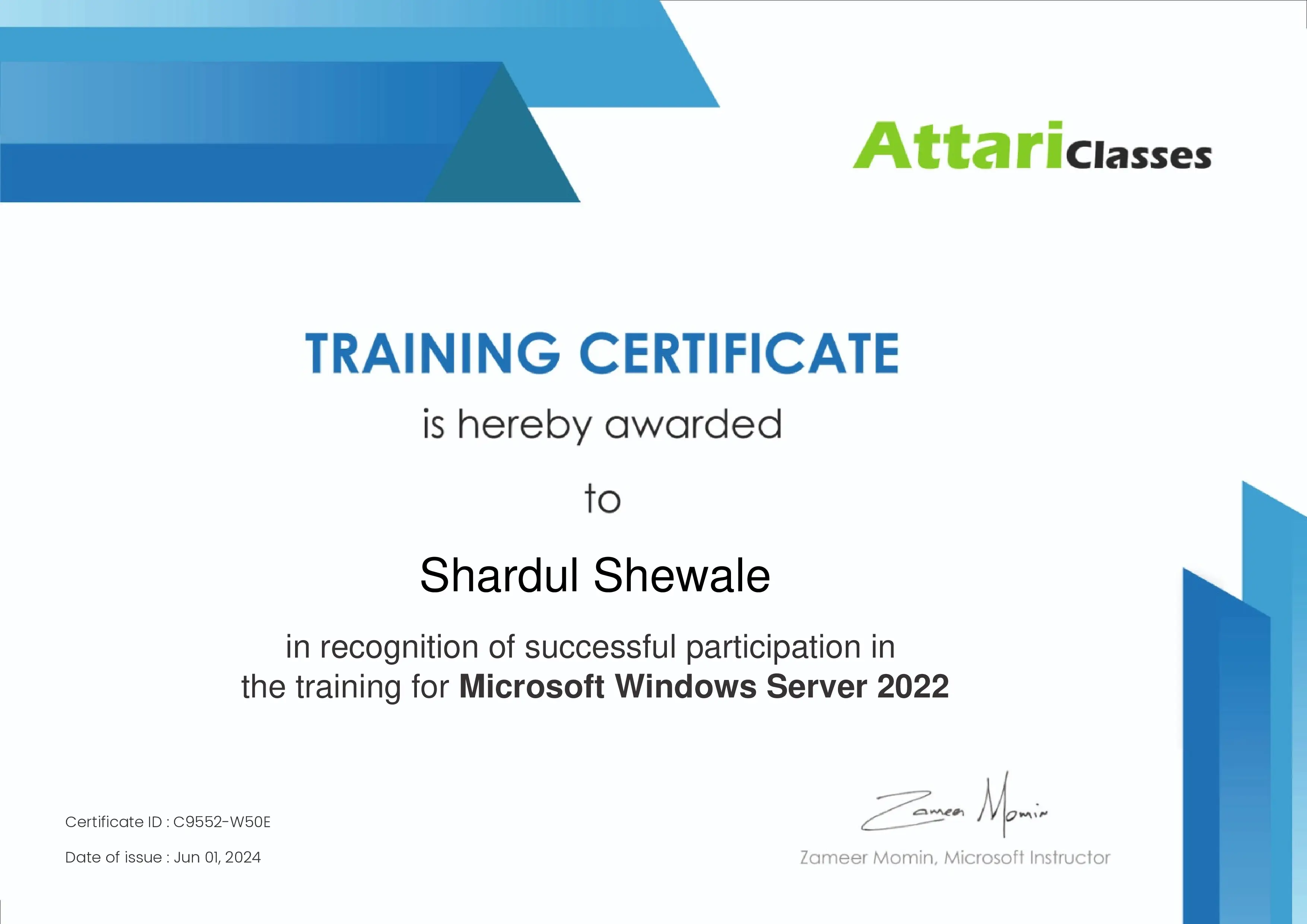
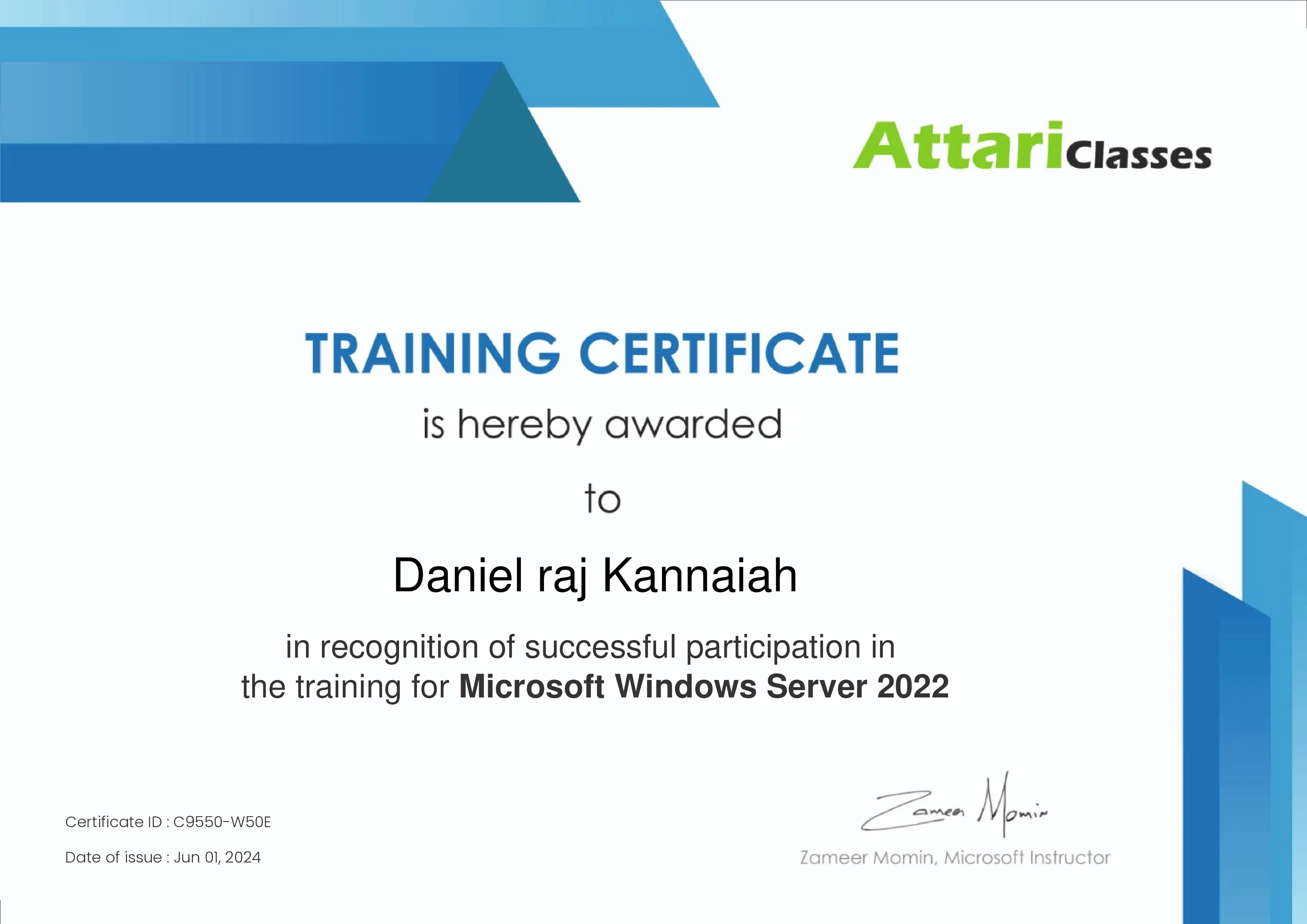
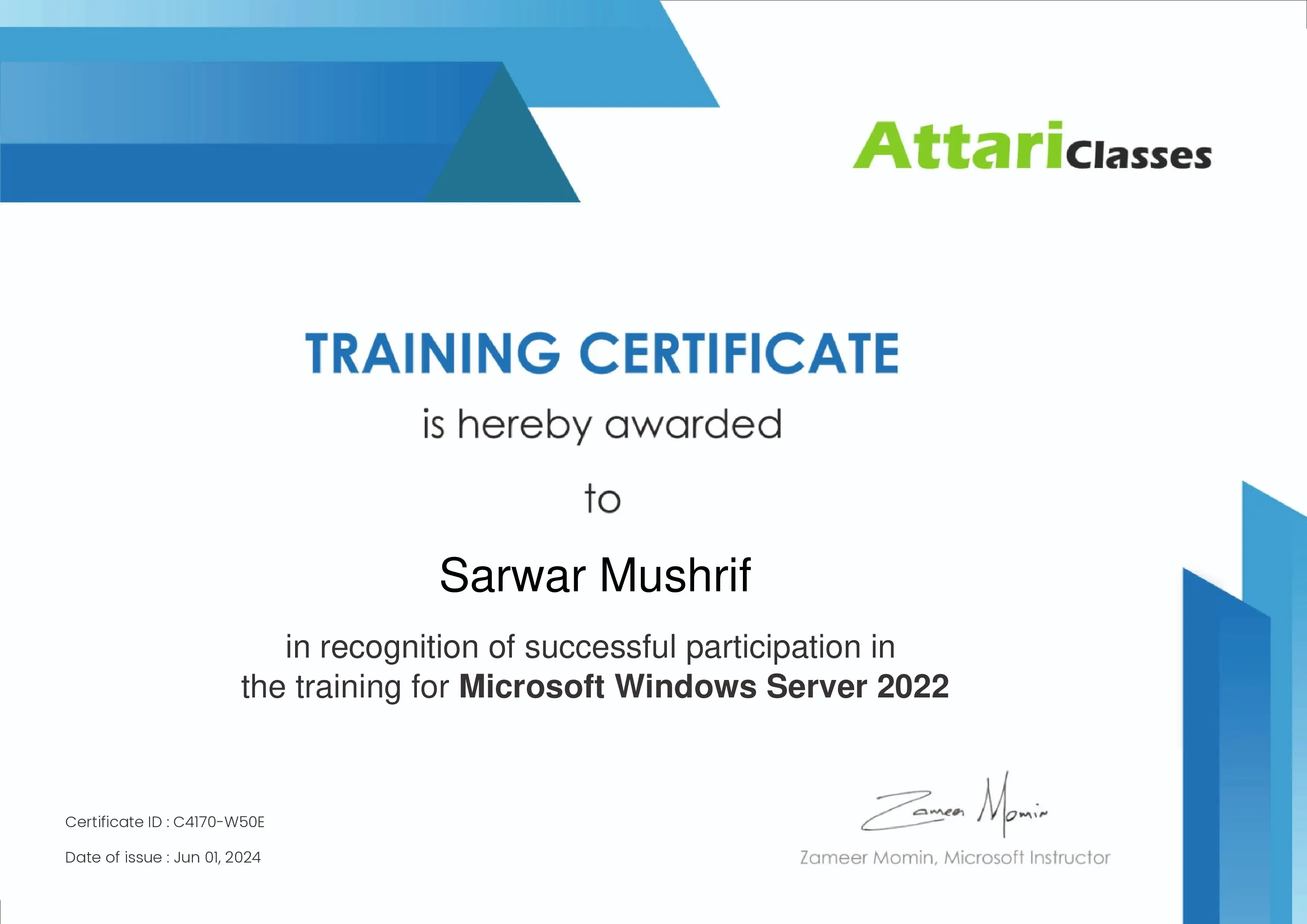
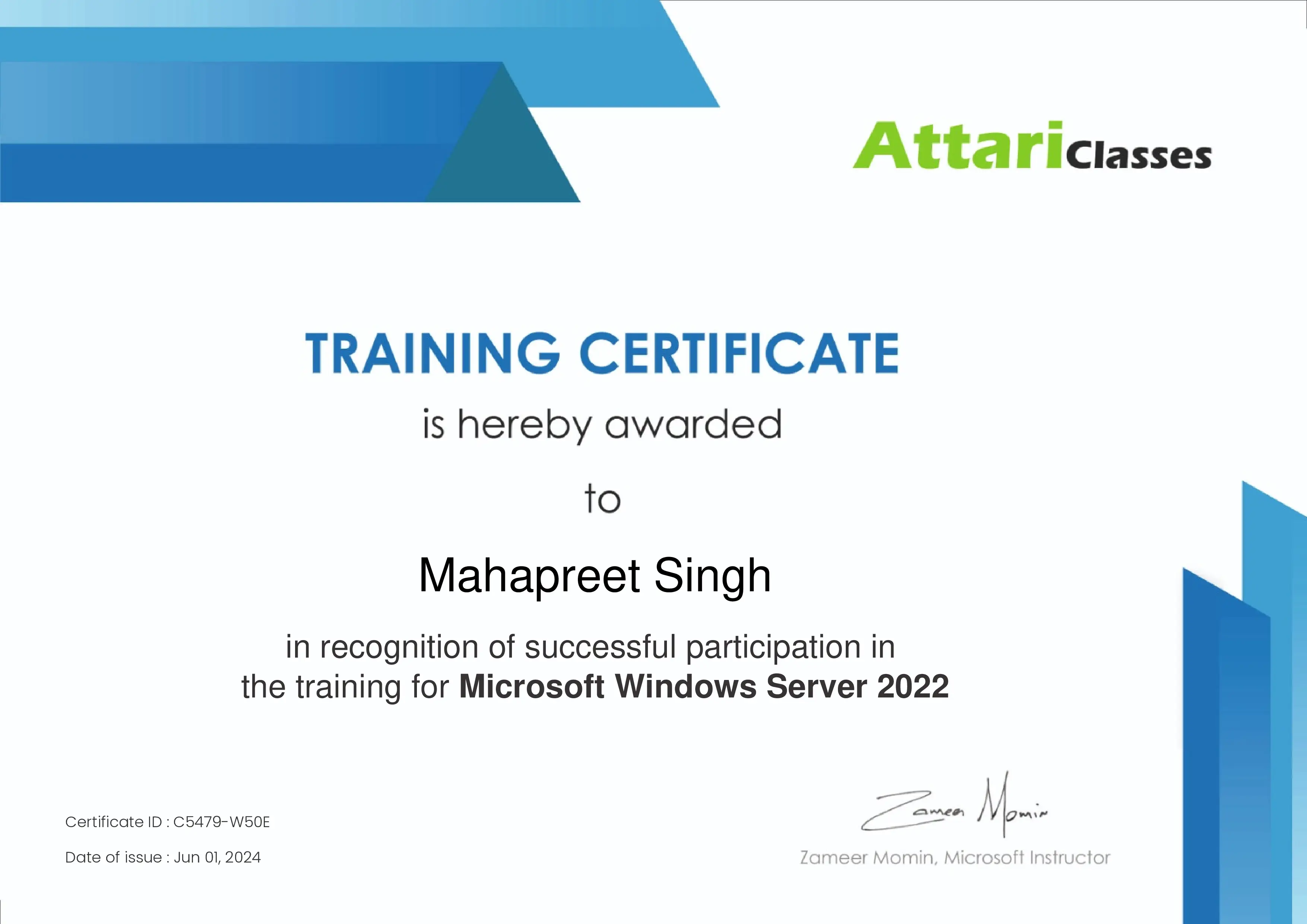
Certificate from Attari classes

Job Updates via WhatsApp Community

Support Desk for Student

MCSE Course Syllabus

  • This MCSE Training Program will help you learn skills such as how to Install, Configure, Manage, and Troubleshoot Microsoft Servers. You will also get hands-on experience working on multiple Microsoft technologies.
  • You will learn skills such as Active Directory, Domain Naming System(DNS), NTFS Permissions, Group Policy, Site Subnets, Replication, Child Domain, Forest, Trusts, DFS, DHCP, FTP, IIS, Failover Cluster, and much more.
  • The MCSE Course opens up new career opportunities and increases your earning potential. It helps you qualify for positions such as System Administrator, Server Engineer, and Windows Server Administrator.
  • MCSE training often involves real-world scenarios and hands-on labs, which can improve your problem-solving skills and ability to troubleshoot issues in a Microsoft environment.

Free Career Counselling

We are happy to help you

+91-7738375431

Upgrade your Skills with live trainer guidance, hands-on labs, and support whenever you need help.

Chat on WhatsApp

MCSE Windows Server Training Course Content

View the complete module-wise curriculum below or request the full syllabus PDF on WhatsApp for offline reference.

  • DEMO Lecture- Introduction to Windows Server Hybrid

    • Why Do We Need a Server Operating System?
    • Overview of Workgroup and Domain
    • Disadvantages of Workgroup Environment
    • Benefits of Domain Environment
    • How to Set Up a Domain Environment
    • Understanding the Hybrid Scenario with Azure Cloud
    • Overview of the Windows Server Hybrid Course

  • Lecture 01 — Windows Server, Workgroup & Domain
    • Understanding Workgroup
    • Limitations of Workgroup Environment
    • Need for a Server
    • Understanding Domain
    • Client vs Server Operating System
    • Benefits of Domain Environment
    • How a Domain Environment is Created
    • What is a Domain Controller
    • Importance of Active Directory Domain Services (AD DS)
  • Lecture 02 — Active Directory, DNS & Network Connectivity
    • Introduction to Active Directory
    • Introduction to DNS
    • Active Directory and DNS Port Numbers
    • Introduction to IIS
    • Network Packet Creation
    • PING and Telnet for Troubleshooting
    • What is Azure Cloud
    • Login to the Azure Portal 
    • Understanding Azure Subscription
  • Lecture 03 — Azure Resource Groups, VNet & Server Deployment
    • Introduction to Azure Resource Groups
    • What is an Azure Region
    • Creating a Resource Group in Azure Cloud
    • Basics of Virtual Networks (VNet)
    • Creating a VNet and Subnet in Azure Cloud
    • Creating a Domain Controller (DC) Server in Azure
  • Lecture 04 — Active Directory Installation & Domain Controller

    • Installing Active Directory Domain Services (AD DS)
    • Promoting a Server to Domain Controller
    • Files Related to Active Directory
    • Understanding Domain Admin and Enterprise Admin Groups
    • Difference Between Server Roles and Features

  • Lecture 05 — Active Directory Users & Remote Management
    • Downloading and Installing RDP Manager
    • Adding Domain Controller to RDP Manager
    • Creating Active Directory Users
    • Understanding User Account Options
    • Configuring User Account Options During User Creation
    • Configuring Logon Hours and Log On To Restrictions
    • Managing Disabled User Accounts in Active Directory (AD)
  • Lecture 06 — Domain PC, DNS & Connectivity
    • Creating a PC in Azure
    • Joining a PC to the Domain Environment
    • Adding PC to RDP Manager
    • Giving User1 RDP Permission
    • Logging in with User1 on the PC
    • Checking A Records in DNS
    • Enabling ICMP Rule in Windows Firewall
    • Checking Active Directory and DNS Port Numbers
  • Lecture 07 — Shared Folders, NTFS Permissions & Groups
    • Understanding Kerberos and LDAP
    • Need for Shared Folders
    • Creating Shared Folders
    • Understanding NTFS Permissions
    • List, Read, Read & Execute, Write, Modify and Full Control
    • Disabling NTFS Permission Inheritance
    • Applying Share and NTFS Permissions
    • Creating Groups in Active Directory (AD)
    • Adding Users to Groups in Active Directory (AD)
    • Accessing Shared Folders
  • Lecture 08 — FSRM, Quotas & File Screening
    • Share vs NTFS Permissions
    • NTFS Effective Permissions
    • Introduction to File Server Resource Manager (FSRM)
    • Installing FSRM
    • Configuring Folder Quotas
    • Configuring File Screening
    • Checking Quota and File Screening Events
  • Lecture 09 — Group Policy, SYSVOL & Policy Application
    • Need for Group Policy
    • How Group Policy Works
    • Understanding Group Policy Storage in SYSVOL
    • Creating Hidden Shared Folders
    • Creating Desktop Wallpaper Policy
    • Understanding Group Policy Application 
    • Group Policy Troubleshooting
  • Lecture 10 — Additional Domain Controller, Sites & Replication

    • Benefits of an Additional Domain Controller (ADC)
    • Preparing a Server for Additional Domain Controller
    • Joining the Server to the Domain
    • Logging in with Domain Admin Credentials
    • Installing Active Directory Domain Services (AD DS)
    • Promoting the Server to an Additional Domain Controller
    • Verifying Replication Between DC and ADC
    • Creating Sites and Subnets in Active Directory
    • Intra-Site versus Inter-Site Replication
    • Understanding Replication Schedules
    • Creating Users and Verifying Replication
    • Checking Active Directory Replication Status
    • Forcing Active Directory Replication

  • Lecture 11 — FSMO Roles, Scope & Role Transfer
    • Multi-Master Replication
    • Single-Master Replication
    • Need for FSMO Roles in Active Directory
    • FSMO Role Scope: Domain-Wide and Forest-Wide
    • Five FSMO Roles
    • Schema Master Role
    • Domain Naming Master Role
    • Transferring Schema Master Role
    • Transferring Domain Naming Master Role
    • Role Transfer versus Seize
    • Active Directory Database Partitions
  • Lecture 12 — FSMO Domain-Wide Roles & Role Seizure
    • Domain-Wide FSMO Roles
    • RID Master Role
    • PDC Emulator Role
    • Infrastructure Master Role
    • Transferring RID Master Role
    • Transferring PDC Emulator Role
    • Transferring Infrastructure Master Role
    • Need for FSMO Role Seizure
    • Performing FSMO Role Seizure
  • Lecture 13 — Organizational Units & Group Policy
    • Need for Organizational Units (OU)
    • Benefits of Using Organizational Units (OU)
    • Creating Organizational Units
    • Applying Wallpaper Policy to the Domain
    • Creating Control Panel Block Policy
    • Applying Group Policy to an OU
    • Creating USB Block Policy
    • User Policy vs Computer Policy
    • Deleting Organizational Units (OU)
  • Lecture 14 — Advanced Group Policy Management
    • Creating Registry Block Policy
    • Backing Up and Restoring Group Policy
    • Linking and Unlinking Group Policy
    • Blocking Group Policy Inheritance
    • Enforcing Group Policy
    • Understanding Group Policy Priority/precedence
    • Applying Command Prompt Block Policy to a Single User
    • Creating WMI Filters
    • Creating Screen Saver Policy
  • Lecture 15 — DNS Records, Cache, Host File & DNS Resolution
    • Creating A Records
    • Creating Reverse Lookup Zones
    • Creating PTR Records
    • Creating CNAME Records
    • DNS Cache Usage
    • Understanding DNS TTL
    • Importance of Host File
    • Configuring DNS Forwarders
    • Understanding Root Hint Servers
    • Internal and External DNS Query Resolution
  • Lecture 16 — Active Directory Disaster Recovery
    • Active Directory Disaster Scenarios
    • Active Directory Recycle Bin
    • Enabling Active Directory Recycle Bin
    • Understanding Functional Levels
    • Deleted Object Lifetime
    • Tombstone Lifetime
    • Installing Windows Server Backup
    • Taking Active Directory System State Backup
  • Lecture 17 — DFS Namespace, DFS Replication & SYSVOL
    • Need for DFS Namespace
    • Creating Shared Folders on Multiple Servers
    • Accessing Shared Folders from Multiple Servers
    • Benefits of DFS Namespace
    • Creating a DFS Namespace
    • Adding Shared Folders to DFS Namespace
    • Introduction to DFS Replication
    • Replicating Shared Folders Using DFS Replication
    • Understanding SYSVOL Replication 
  • Lecture 18 — DHCP, IIS & HTTPS
    • Introduction to DHCP
    • Understanding DHCP DORA Process
    • Installing DHCP Server
    • Creating DHCP Scope
    • Understanding DHCP Reservation & Lease
    • Installing IIS Web Server
    • Accessing a Website Using HTTP
    • Difference Between HTTP and HTTPS
    • Need for SSL/TLS Certificates
    • Installing Active Directory Certificate Services (AD CS)
    • Enterprise vs Standalone CA
    • Creating a Certificate Authority (CA)
    • Applying SSL Certificate to IIS
    • Accessing a Website Securely Using HTTPS
  • Lecture 19 — Azure File Sync & Hybrid File Services

    • Need for Azure File Sync
    • Creating an Azure Storage Account
    • Creating an Azure File Share
    • Installing Azure File Sync Agent
    • Creating a Storage Sync Service
    • Registering the Server with Storage Sync Service
    • Creating a Sync Group
    • Adding Azure File Share to Sync Group
    • Configuring Cloud Endpoint
    • Configuring Server Endpoint
    • Verifying File Synchronization Between Server and Azure File Share

  • Lecture 20 — RODC, Child Domain, Global Catalog & Password Policies
    • Need for Read-Only Domain Controller (RODC)
    • Introduction to Child Domain
    • Imprtance of Global Catalog
    • Understanding Domain Password Policy
    • Configuring Password Policy
    • Changing Password Length and Password Requirements
    • Understanding Account Lockout Policy
    • Configuring Account Lockout Policy
    • Introduction to Fine-Grained Password Policy
    • Applying Fine-Grained Password Policy to a User or Group
    • Introduction to Active Directory Delegation
  • Lecture 21 — Hybrid Identity, Entra ID Connect & SSO
    • Introduction to Hybrid Identity
    • Need for Single Sign-On (SSO)
    • Synchronizing Active Directory with Microsoft Entra ID
    • Installing Microsoft Entra Connect Sync
    • Creating and Synchronizing Active Directory Users
    • Verifying Users in Microsoft Entra ID
    • Password Hash Synchronization
    • Configuring Single Sign-On (SSO)
    • Verifying Directory Synchronization and SSO
  • Lecture 22 — Windows Server Management, Automation & Career Guidance
    • Need for Windows Server Patching
    • Azure Update Manager
    • Scheduling Server Updates
    • Need for Azure Hybrid Backup
    • Recovery Services Vault
    • Azure Backup Agent (MARS)
    • Creating Backup Schedules
    • Creating Active Directory Users Using PowerShell
    • Creating Groups and OUs Using PowerShell
    • Modifying User Attributes
    • Introduction to Task Scheduler
    • Creating Scheduled Tasks
    • Automating PowerShell Scripts
    • Verifying Scheduled Tasks
    • Resume Preparation Points
    • Common Windows Server Interview Questions
    • Windows Server Career Guidance
  • Book a FREE Demo

    Share your details. A counsellor will call you back.
    MCSE Course Projects Covered

    Our MCSE Course Trained Students

    MCSE Course Testimonials & Reviews

    MCSE / MCSA Training Batch Schedule

    Self Paced Training

    • 40 Hours Approx. e-learning
    • Live Recorded Lectures
    • Get free Updates
    • Upgrade to Online/Classroom Training

    Online / Classroom Preferred

    • Free DEMO lecture
    • Live Insturctor led training
    • Perform live practicals along with trainer
    • Get Trainer Support on WhatsApp
    SAT & SUN (5 WEEKS)
    Upcoming Weekend Batch
    21st DECEMBER 8:00 AM to 12:00 PM (IST)
    SAT & SUN (5 WEEKS)
    Batch Started
    15th NOVEMBER 1:30 PM to 5:30 PM (IST)

    Get In Touch to Avail

    20% OFF

    Corporate Training

    • Self paced & Online/ Classroom training option are available

    Meet Our Expert Trainer

    Learn Windows Server Administration from Industry Expert Trainer

    Mr. Zameer Momin

    Microsoft Azure, Windows Server Hybrid & Networking Trainer
    • Training Since 2017
    • 8,000+ Students Trained
    • Azure, Windows Server Hybrid & CCNA Networking
    • Enterprise Infrastructure Experience
    • Students Across India, Gulf Countries & North America
    • Hands-on Real Time Project Training
    Mr. Zameer Momin

    Microsoft Azure, Windows Server Hybrid & Networking Trainer

    Mr. Zameer Momin is an experienced IT infrastructure and cloud trainer specializing in Microsoft Azure Cloud, Windows Server Hybrid Administration, Networking, and Enterprise IT technologies.

    After completing his Computer Engineering degree in 2008 from K.J Somaiya College, he started his professional career in the IT industry with a strong focus on networking technologies. With certifications including CCNA and CCNP, he built strong expertise in enterprise networking before gradually moving into Microsoft Azure Cloud and Windows Server Hybrid technologies.

    He has served projects associated with companies including NIIT Technologies, Eclerx, First Source, HCL Comnet, Holcim and Patni Computers

    Since 2017, he has been actively associated with Attari Classes as a trainer and mentor, helping students and working professionals build successful careers in cloud computing and infrastructure administration.

    He has successfully trained more than 8,000 students from India and across the world. Students from Mumbai, Delhi, Bangalore, Hyderabad, Chennai, Pune, and other major cities of India, along with students from Gulf countries including Dubai and Saudi Arabia, and learners from North America and the USA have attended his training programs.

    His expertise includes:
    • Microsoft Azure Cloud Administration
    • Windows Server Hybrid Infrastructure
    • CCNA Networking

    Students appreciate his simplified teaching style, practical implementation approach, troubleshooting guidance, and strong focus on real-world concepts

    Services and skills you will master

    Servers & Domains

    AD, DNS & Kerberos

    NTFS & FSRM

    Group Policy & OUs

    Replication & Sites

    FSMO & Recovery

    DFS, DHCP & IIS

    ADCS & SSL

    RODC, Child Domain & GC

    Entra Connect & SSO

    Azure File Sync & Backup

    PowerShell & Updates

    Attend a Free DEMO class of MCSE

    Chat on WhatsApp

    FAQs on MCSE Training & Certification

    Who should take the MCSE / MCSA course?

    This online MCSE / MCSA training certification course is ideal for administrators and engineers, system administrators looking to expand into MCSE / MCSA, IT professionals. 

    What is the duration of the MCSE / MCSA Training Certification in Chennai?

    About 40 hours. 

    Do I get certificate after completion of the MCSE course?

    You will receive an MCSE / MCSE certification in Chennai once you complete the course through Attari Classes. 

    How difficult is to pass MCSE / MCSA Certification exam in Chennai?

    Our training prepares you to pass MCSE / MCSA, we provide you with practice test so that you get idea on exam question pattern and easily pass the MCSE / MCSA exam in Chennai. 

    What is the MCSE / MCSA market trend in Chennai?

    As in Chennai software industry is notably increasing in adopting new trends, obviously IT companies opt virtualization. So proportionately there will be a huge requirement for MCSE / MCSA certified profession

    Does Attari Classes offers placement in Chennai after MCSA / MCSE course completion?

    Atari Classes is one of the best learning platforms, we make you Job ready. Since there is a big demand for IT professionals, as opening arises lots of recruitment firms and our ex-students contact us, we help our students who are looking for job to connect to prospective employers. We also help our students prepare their resumes and provide assistance for interview preparation, if you go through the course diligently you will be in a very good position to crack the interviews yourself and find a well-paid job, matching your profile

    Is it possible for a beginner to get an MCSE / MCSA certification in Chennai?

    Attari Classes offer cloud computing or web service training to interested people, so there is no doubt that we provide MCSE / MCSA certification in Chennai to beginners. 

    What is the cost of MCSE / MCSA training in Chennai?

    What are the payment options?  We can help you with the MCSE / MCSA certification cost in Mumbai by contacting us or filling out an inquiry form. Payments can be made by debit card, credit card, net banking and UPI.

    Free Career Counselling

    We are happy to help you

    +91-7738375431

    Upgrade your Skills with live trainer guidance, hands-on labs, and support whenever you need help.

    Chat on WhatsApp

    Other Courses We Offer

    Chat on WhatsApp
    //